
Villa Package A
An illustrative study brings the document sources, dates, assumptions, and review notes together.
Understand the project before you price it.
Turn your BOQs, specifications, supported drawings, and notes into a structured study. Review cost assumptions, identify gaps, and prepare editable outputs for your next decision.
Built for project study, tendering, and informed construction decisions.
For quantity surveyors, estimators, engineers, and independent professionals who need a clearer understanding of a project before preparing a price or recommendation.

Bring together the files and notes you already have. Review extracted information, add missing context, and build a study around your project.
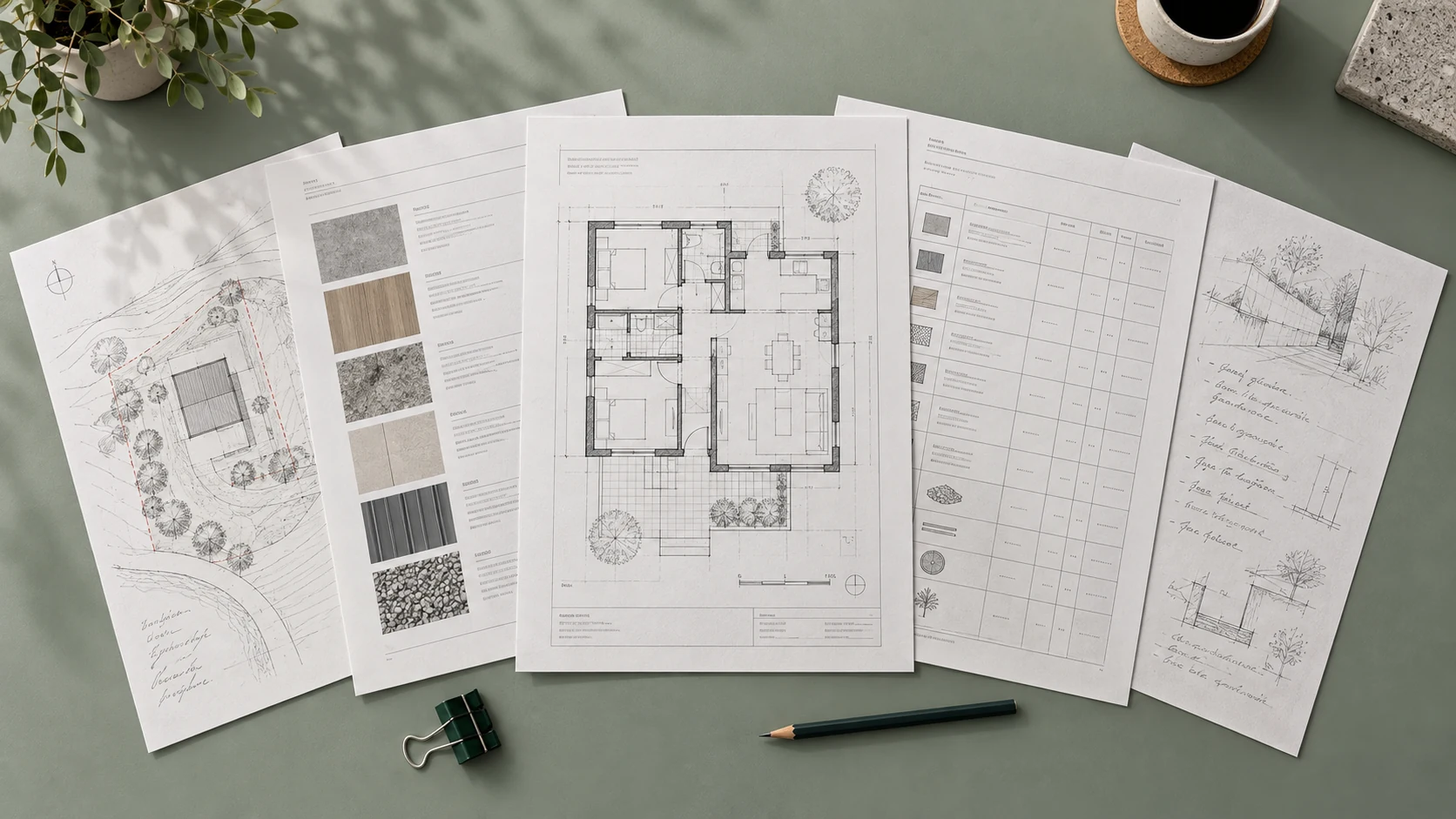
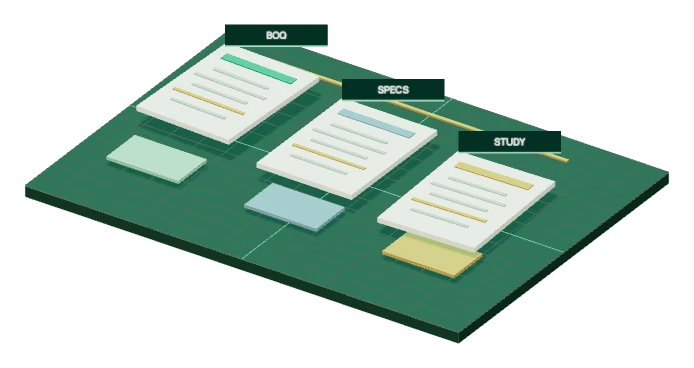
Bring project documents into a structured study, with assumptions and editable outputs kept visible.
BOQs, specifications, supported drawings and manual notes establish the scope.
Interactive construction illustration.Review the scope, indicative cost range, BOQ classifications, and risk notes in one study. Refine the assumptions before using the outputs for pricing or planning.

An illustrative study brings the document sources, dates, assumptions, and review notes together.
Scope, location, document status, study boundary, and review state.
Cost logic is presented as a range with visible assumptions, not a final professional quote.
Rows are grouped by scope, work type, material logic, productivity, and risk signals.
Missing data, drawing conflicts, ambiguous descriptions, and exposure points are highlighted for review.
Quotah helps group procurement packages, add scope notes, attach specification references, record exclusions, and prepare editable RFQ and BOQ outputs.
Export your RFQ drafts for your own review and use. For sending requests and coordinating supplier or subcontractor responses in Quotah, explore the Business workspace.
Scope, specs, exclusions, notes, and export-ready BOQ files.
See where information came from, when it was updated, and which assumptions need your attention before you use the study.
Each output references the BOQ row, specification note, drawing signal, scan result, or manual input behind it.
Project intelligence is tied to the date and document set that produced it.
Unclear scope, productivity factors, wastage, collateral work, and missing data are surfaced for review.
Confidence notes prevent users from treating uncertain outputs as final answers.
You review the findings and retain responsibility for professional and commercial decisions.
Check document permissions and account file controls before sharing project information.
Use documents you are authorized to share, keep sensitive files out of public enquiry forms, and contact us when you need help.
Confirm you own or are authorized to use the files. Classified or restricted government content must not be uploaded.
Review file access, deletion options, and document-use declarations during onboarding. Do not email confidential project packages.
Contact our team for help with access, document requirements, or the right project-study option for you.
Contact supportTell us how often you study projects and the type of work you handle. We will explain the available access options, study capacity, and pricing before you commit.
For account enquiries, send your contact details only. Keep confidential project documents out of email.
Ask about available trial access and what is included.
Discuss access for occasional, independent project studies.
Discuss capacity for recurring estimating and project-study work.
Discuss higher study volumes and more demanding document packages.
Ask about additional study capacity when your workload increases.
Create your account in a few minutes. Our team reviews and approves new individual accounts.