Construction intelligence / Saudi Arabia

Quotah for Business

Your workspace. A connected project.

Give contractors and suppliers dedicated workspaces connected by project requirements, RFQs, quotations, and reviewed decisions.

Built for project study, tendering, and informed construction decisions.

Illustrative film
Quotah for your business

Choose the workspace that matches your role.

Choose a dedicated workspace for your team. Contractors study and source project requirements; suppliers present their capabilities and respond to requests. Both stay connected to the same project context.

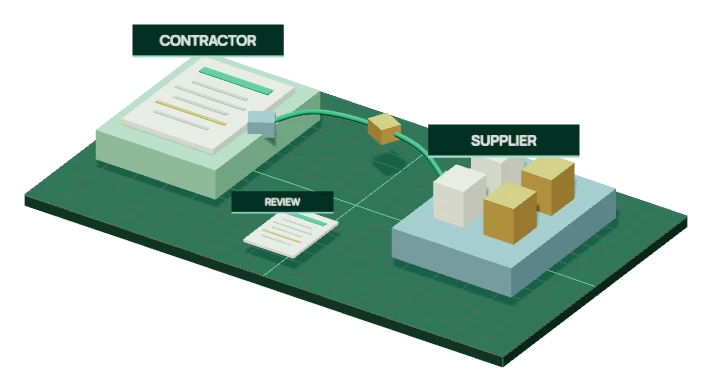
Connected workspaces
Connected workspacesAI-generated illustration
C

Turn project understanding into controlled procurement action.

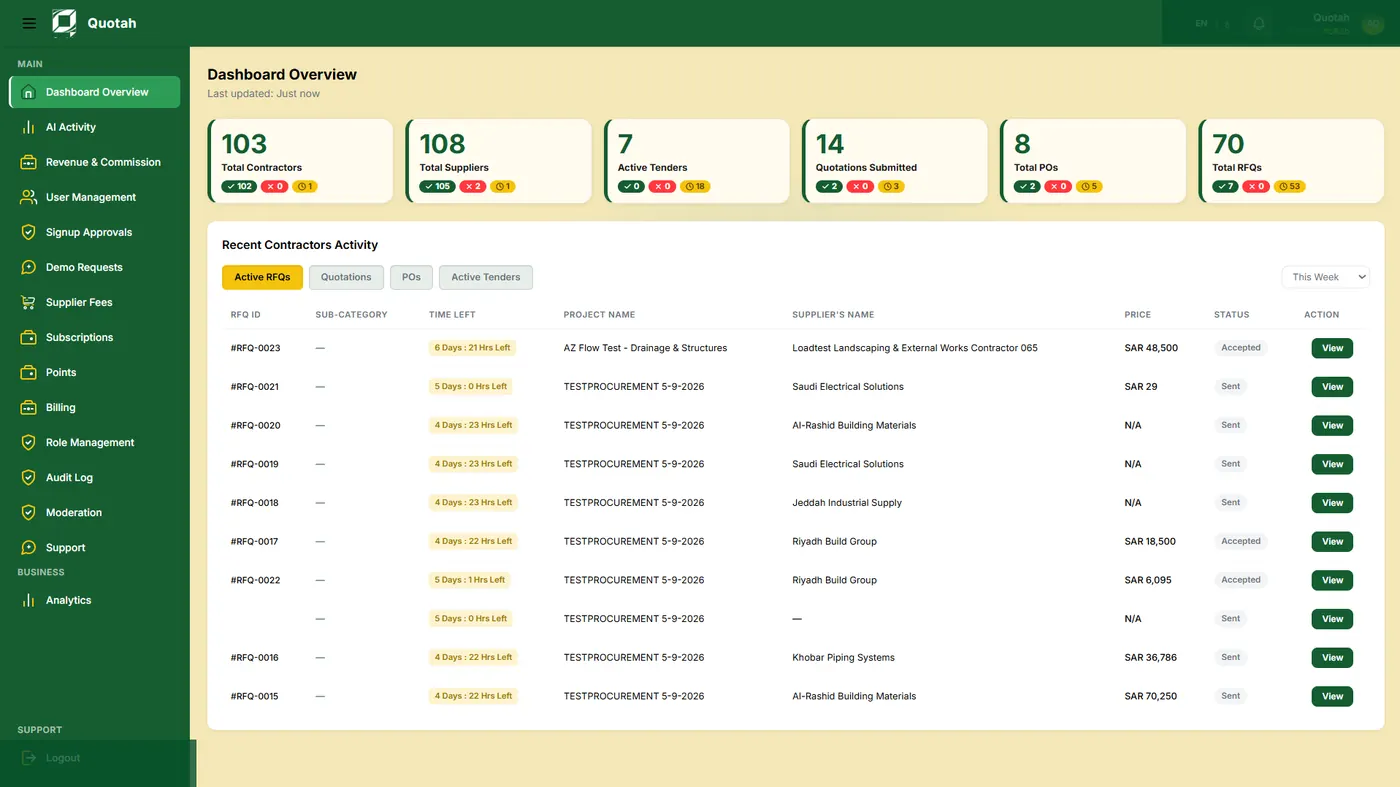
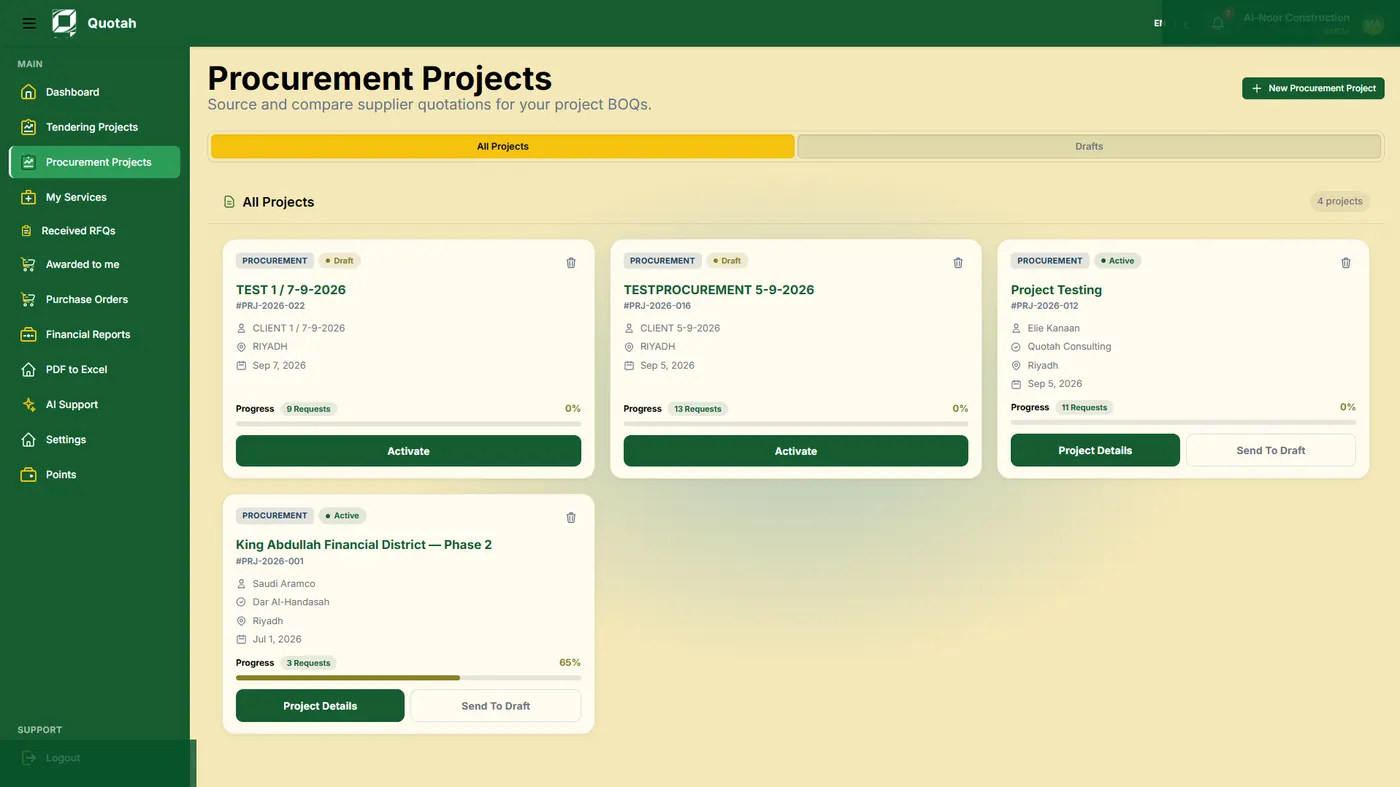
Contractors convert BOQ/BOM files, specifications, supported drawings, and project requirements into AI-assisted study outputs, procurement packages, RFQs, supplier/subcontractor evaluation, approvals, and PO-ready information.

Explore Contractors
S

Turn structured capability into stronger opportunity readiness.

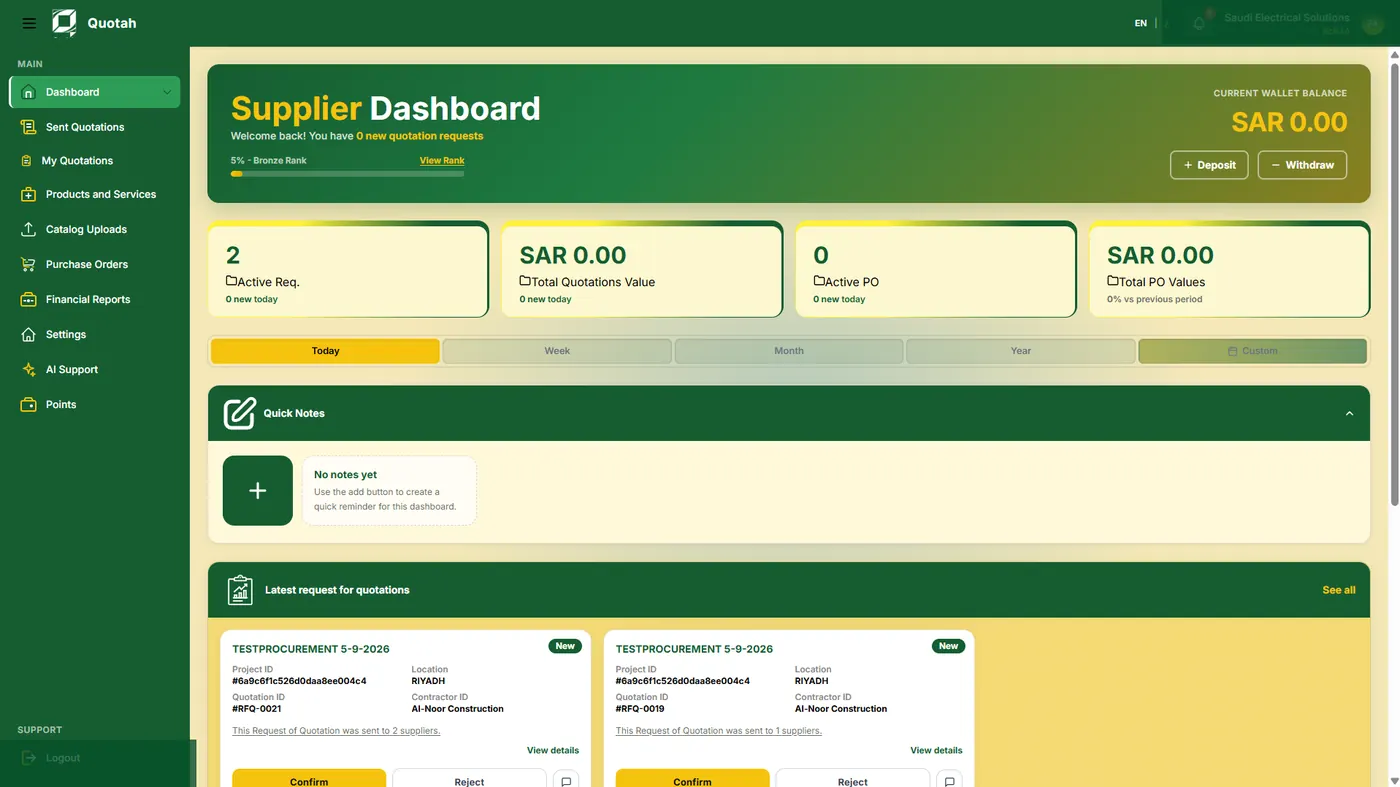
Suppliers organize company profile, catalog, categories, capability, availability signals, opportunities, responses, quotation history, and performance evidence so contractor teams can evaluate them with clarity.

Explore Suppliers
Inside the Business workspace

Separate workspaces, connected by project activity.

Explore how Quotah organizes project activity, procurement work, and supplier responses in dedicated workspaces.

Connected steel members viewed beneath a bridge
One project context. Connected decisions.AI-generated illustration
Still capture of this page's illustrative 3D model
The Business connection

Separate workspaces. Shared context.

Connect contractor requirements with supplier and subcontractor responses, without merging their responsibilities.

The contractor controls the project study, requirement and RFQ scope.

Interactive construction illustration.
Connected intelligence

Keep the project in every decision.

Requirements, supplier and subcontractor readiness, and reviewed responses stay connected.

Contractor Workspace

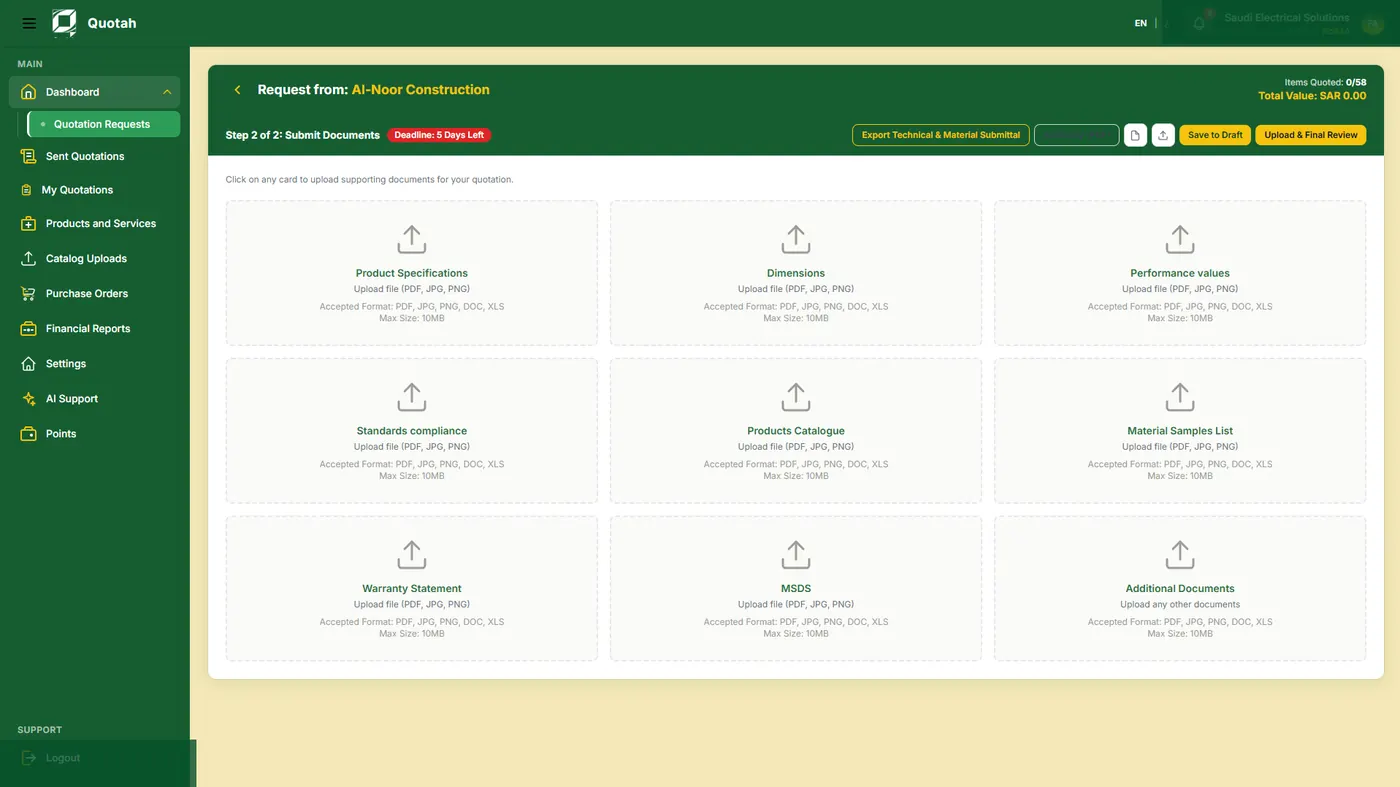
From project documents to a reviewed procurement decision.

The contractor side begins with project intake, then moves into AI project study, procurement packages, RFQs, supplier and subcontractor evaluation, approvals, and purchase-order preparation.

Project IntakeAI StudyProcurement PackagesRFQsEvaluationApprovalsPO Readiness
contractor project challenge moving from BOQ inputs to reviewed intelligence
Contractor Operating ViewProject requirements descend into RFQ, comparison, approval, and PO-ready decision support.
Quotah product workspace
Supplier Operating ViewCatalog and capability signals assemble into a structured supplier profile.
Supplier Workspace

Supplier capability becomes easier to evaluate.

The supplier side focuses on profile structure, catalog discipline, product categories, capability, availability signals, relevant opportunities, response preparation, quotation history, and performance evidence.

ProfileCatalogCategoriesCapabilityAvailabilityResponsesHistory
Connected Intelligence Loop

Keep every response connected to the requirement.

Follow the requirement through sourcing, quotation comparison, and approval. Keep your reviewed decisions and supporting notes available for the next project.

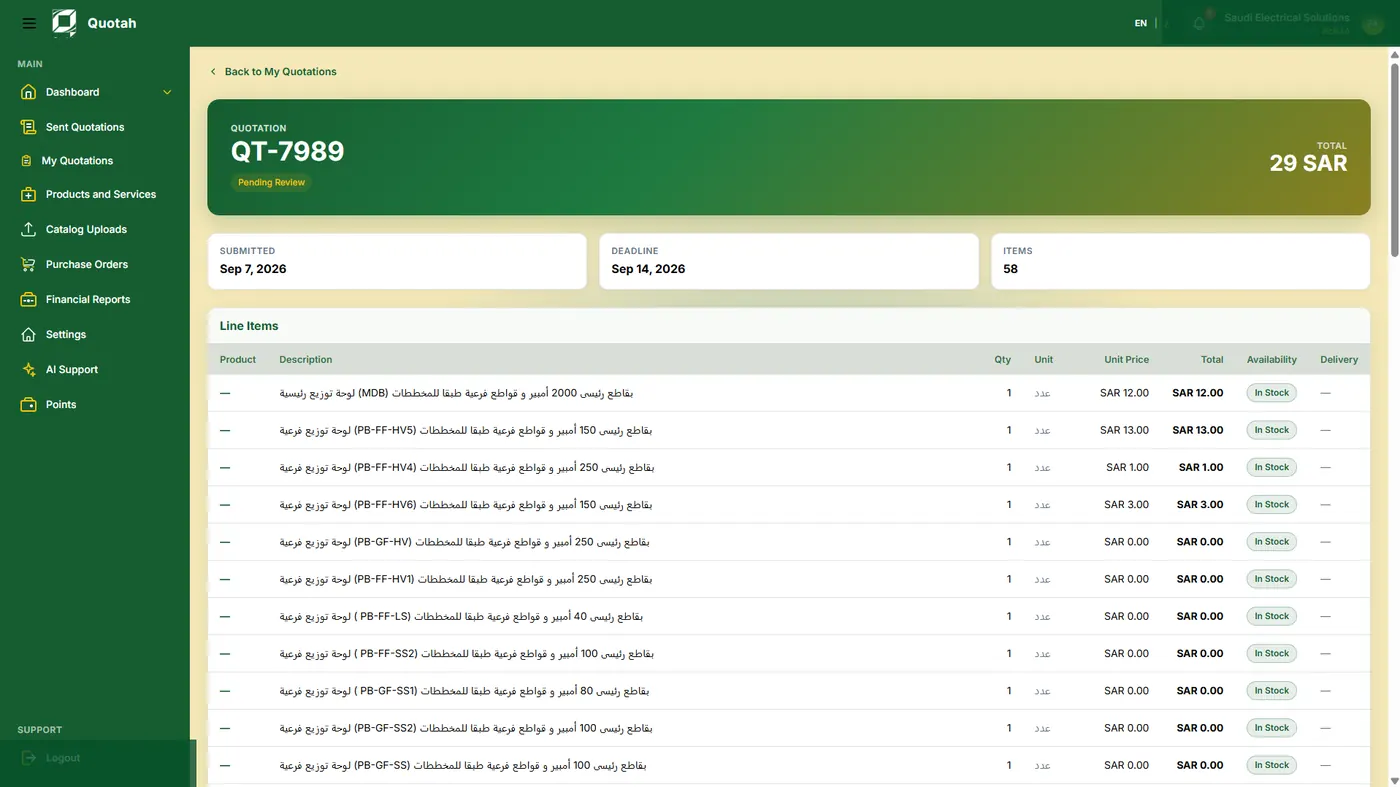
Quotah interface: Quotation detail
Quotation detailActual Quotah interface / Example data

Project Requirement

BOQ rows, quantities, specifications, drawings, and manual requirements are structured into project demand.

Relevant Participant

Suppliers and subcontractors are evaluated by fit, coverage, capability, compliance, readiness, and response quality.

Response and Comparison

Responses are compared against the original project study, including gaps, exclusions, cost logic, and technical fit.

Decision and Knowledge

Approved decisions, assumptions, outcomes, and market signals can become reusable intelligence for future projects.

Shared Principles

Give your team clarity, access, and accountability.

Keep company workspaces separate, give each person the access they need, and retain a clear record of reviews and approvals.

Separate company workspaces

Company, branch, department, project, and user contexts are separated so teams can work without exposing customer data across accounts.

Role Permissions

Tendering, procurement, engineering, QS, supplier, and management roles need different visibility, actions, limits, and responsibilities.

Evidence and Audit Trails

Project study outputs, RFQ context, quotation decisions, approval notes, and activity records remain reviewable.

Human Approval

AI structures intelligence and recommendations. Commercial awards, contractual actions, and final procurement commitments require human approval.

Purchase-order preparation

Purchase-order output is preparation and readiness. Final issuance, signature, and legal commitment remain with the customer or connected ERP.

Choose your workspace

Start with the work your team handles today.

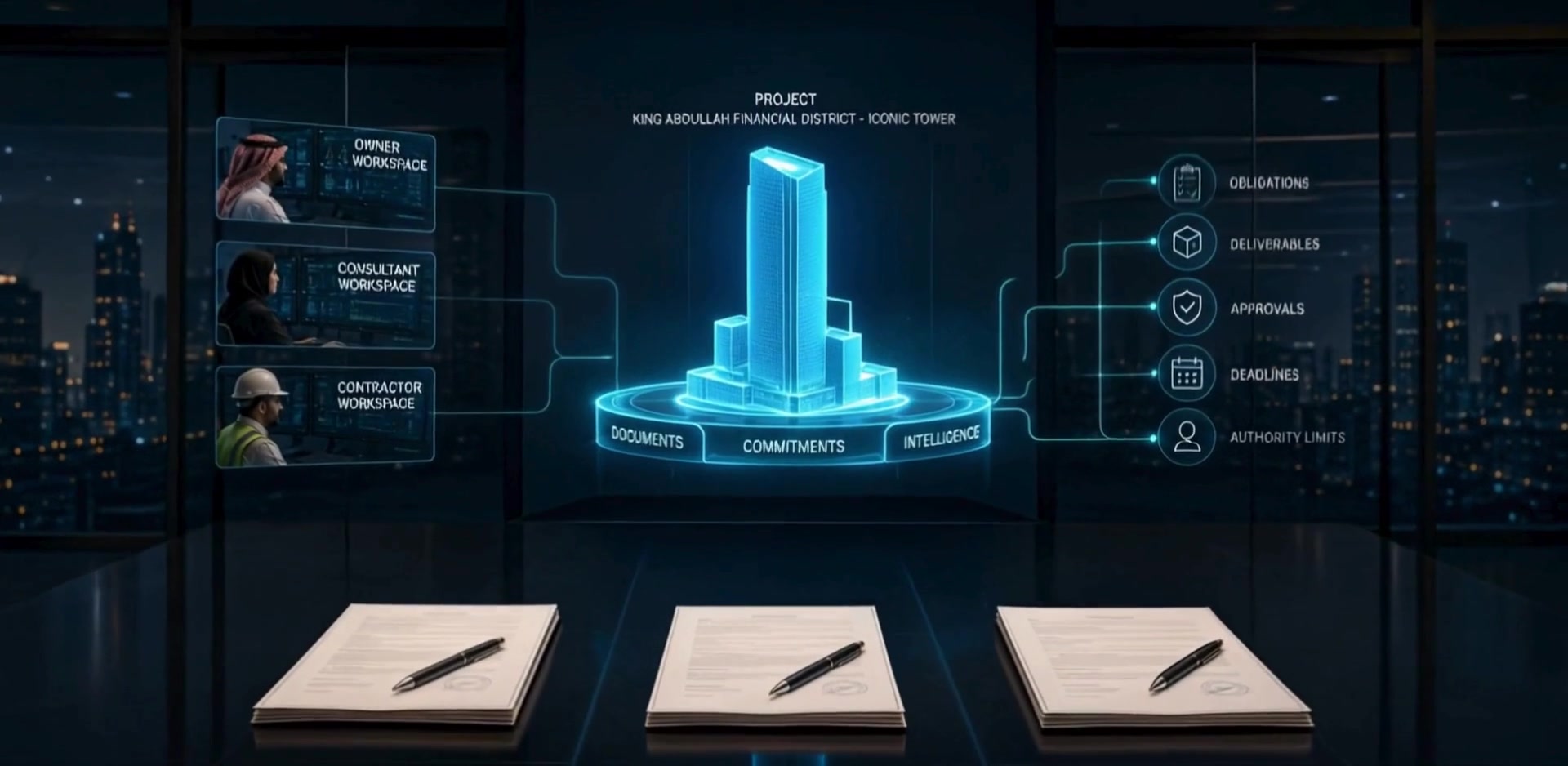
Discuss contractor or supplier access with our team. Dedicated consultant and owner workspaces are planned additions and are not currently available for registration.

Business access

Contractors

Project study, RFQ packages, supplier/subcontractor comparison, approvals, and PO readiness.

Business access

Suppliers

Profile, catalog, capability, availability signals, opportunities, responses, and quotation history.

Future

Consultants

Planned tools for consultant review and validation.

Future

Owners / Developers

Planned portfolio visibility and owner-side project oversight.