
Create Project
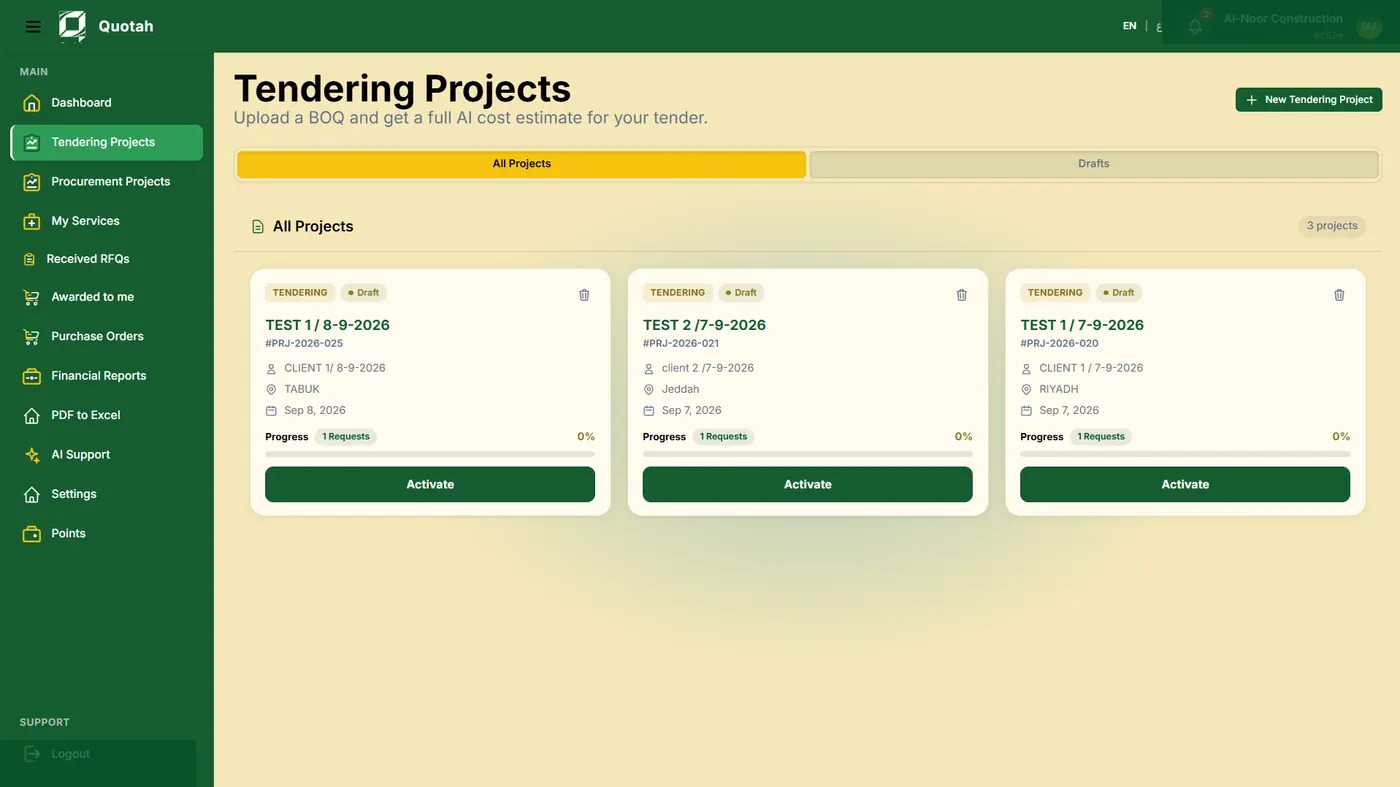
Start a private project study with project name, scope, location, and required context.
From project documents to informed decisions.
Study independently with editable outputs, or connect your team with suppliers and subcontractors through the Business workflow.
Built for project study, tendering, and informed construction decisions.
Choose independent project study or a connected Business workspace. Both start with understanding the documents, requirements, and assumptions behind the project.

Build your own project study, refine its assumptions, and export editable results for pricing, planning, or professional review.
AI structures the intelligence. Professionals control the decision.
Start a private project study with project name, scope, location, and required context.
Add BOQ, BOM, specifications, supported drawings, and project requirements where enabled.
Quotah reads each BOQ row and studies value, quantity logic, productivity, material, wastage, risk, and missing signals.
Review evidence, dates, source categories, confidence notes, and assumptions before using the output.
Adjust scope, comments, selected logic, and project understanding without losing the original context.
Leave with editable study outputs that support discussion, planning, pricing, or further professional review.
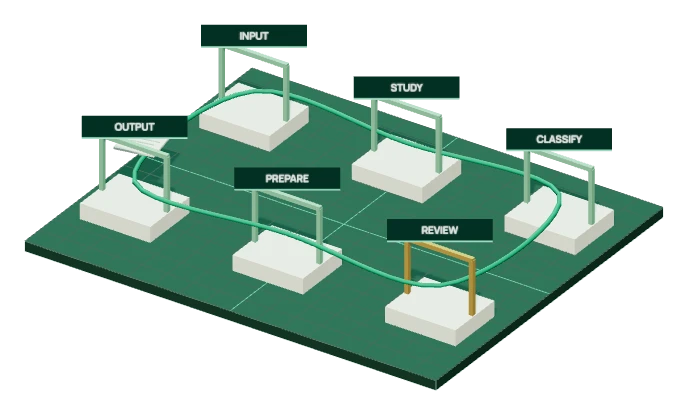
Follow the movement of information through intake, study, review and preparation.
The workflow begins with authorized files and explicit project context.
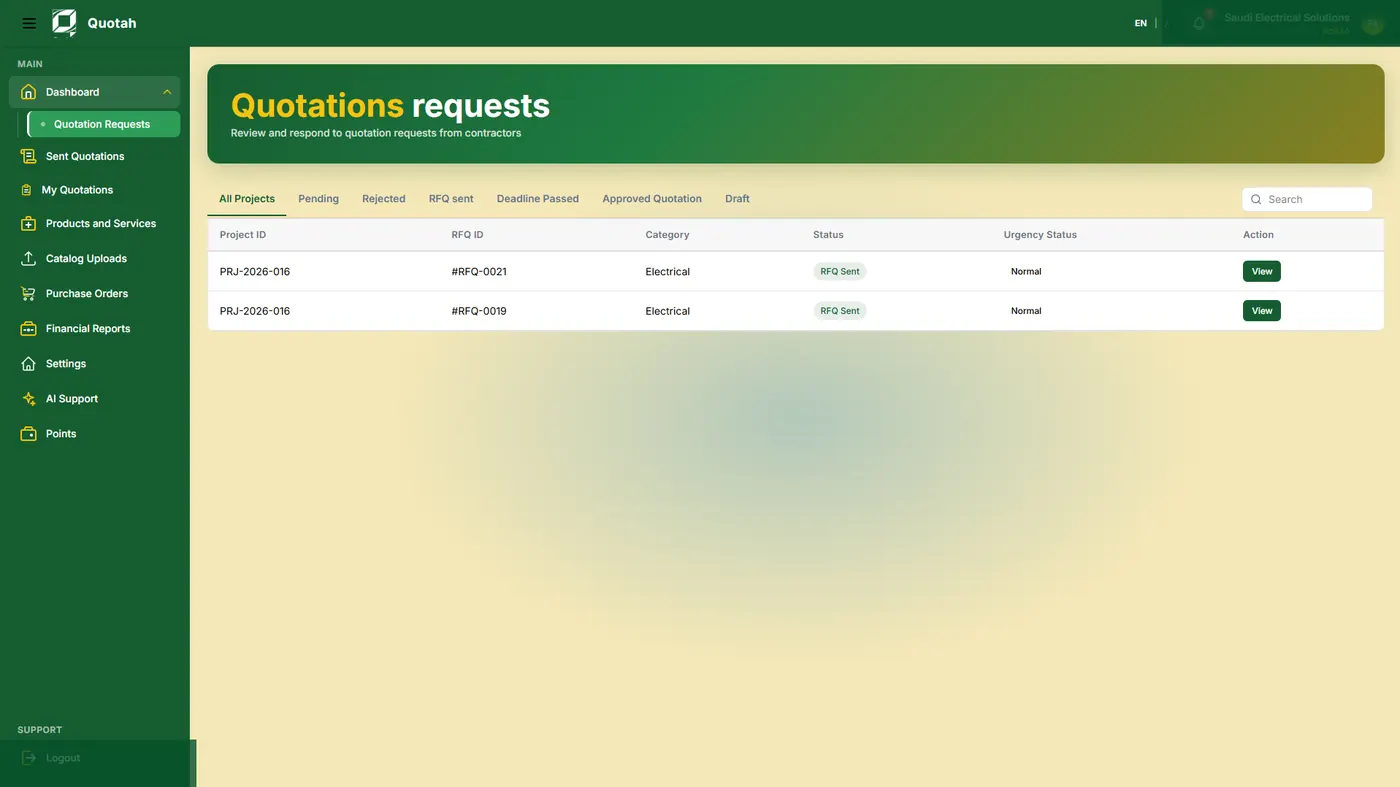
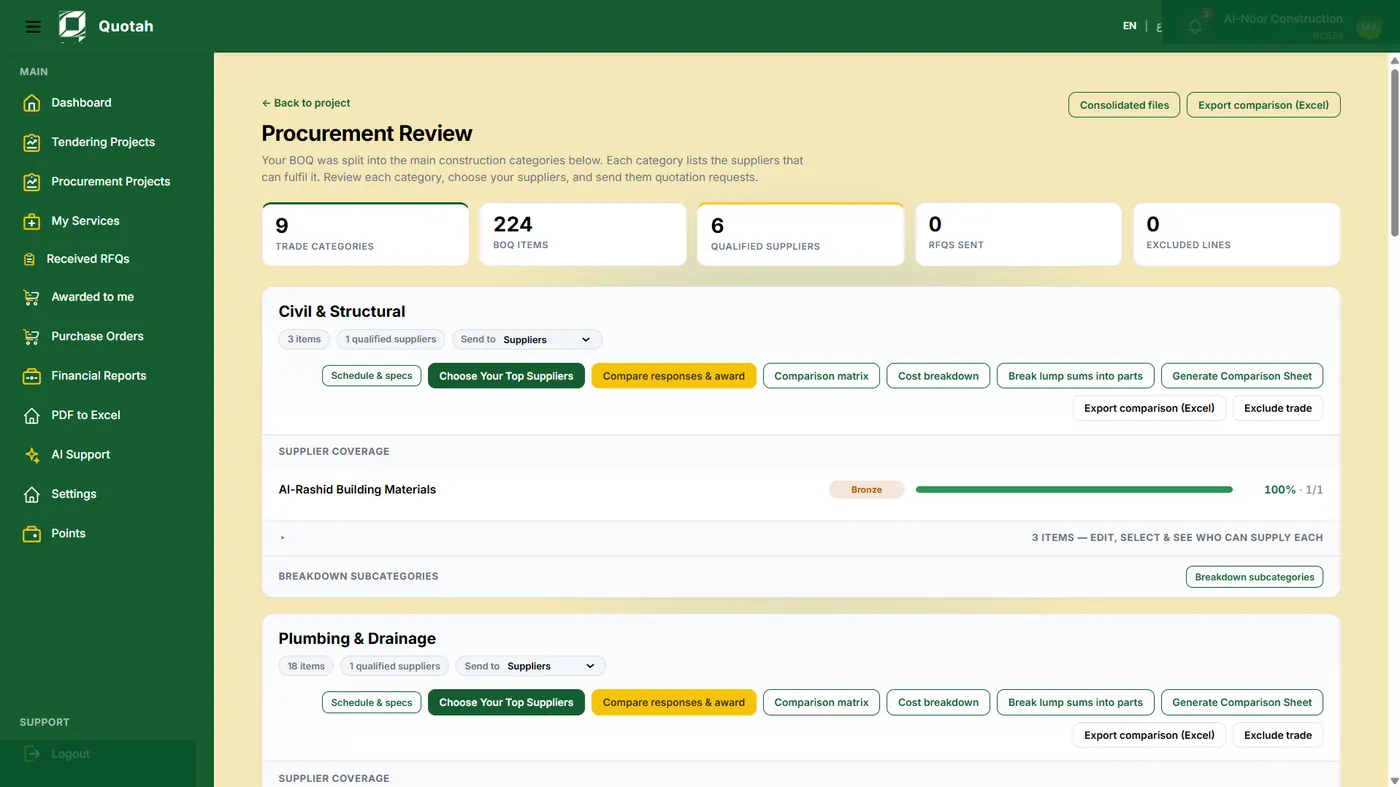
Interactive construction illustration.The Business path connects contractor study, procurement packaging, supplier and subcontractor sourcing, RFQ response, quotation comparison, approval gates, and PO preparation.
It is not a generic marketplace. It is a project-led operating environment.
Create a project workspace for your team and add the documents and requirements you need to study.
Analyze BOQ rows, cost drivers, productivity, material, wastage, resource needs, collateral work, and risk.
Separate system-generated intelligence from reviewed assumptions and approved user decisions.
Convert project understanding into package structure, priorities, requirements, and sourcing context.
Connect project demand with supplier products, subcontractor capability, availability, coverage, and fit.
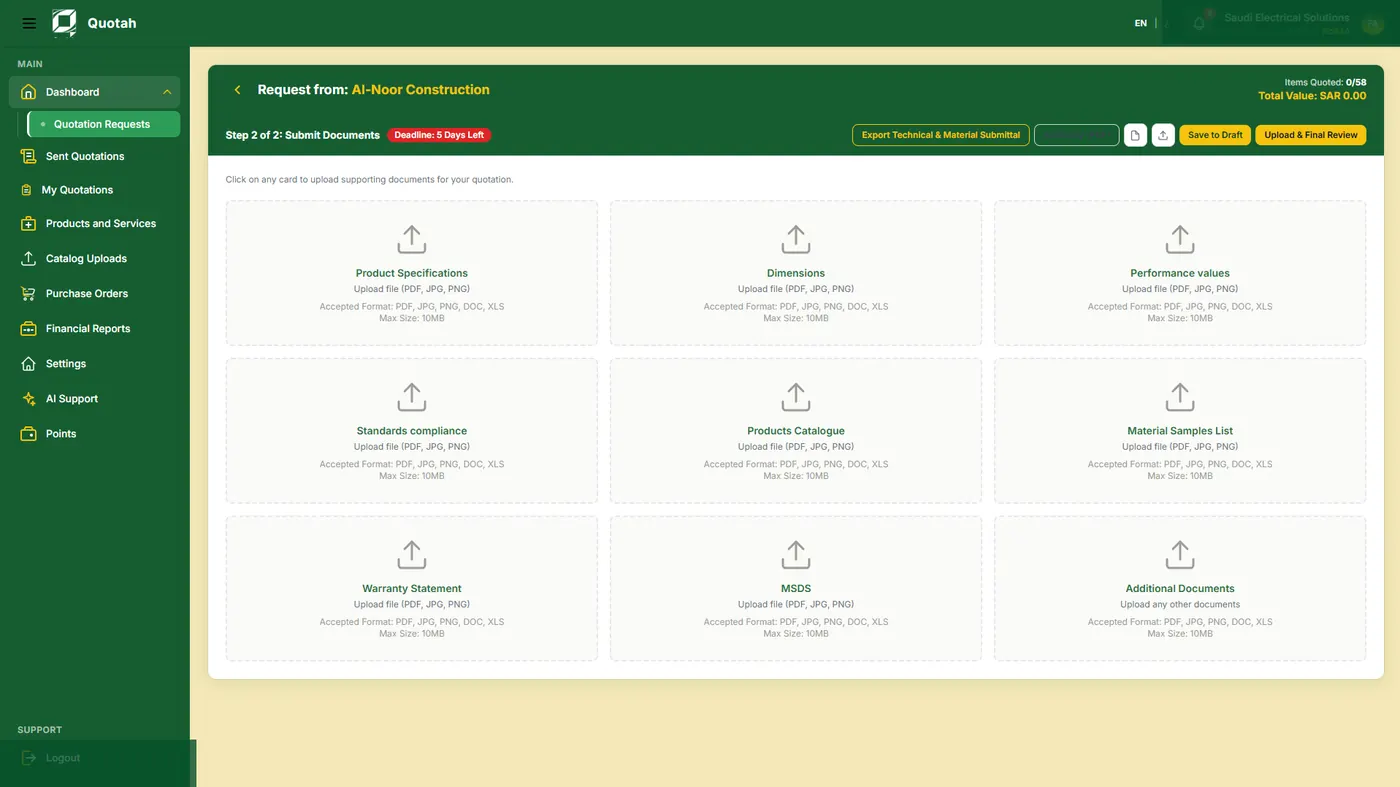
Prepare structured requests with the right context, deadline, scope, and supporting information.
Suppliers and subcontractors review the opportunity, prepare quotations or proposals, and track status.
Evaluate responses against the original project intelligence, not as disconnected prices.
Keep final approval and commercial accountability with the professional team.
Explore Business workspaces for tender studies, supplier quotation documents, and procurement review.
Review the source, date, assumptions, and confidence behind an output. Record who reviewed it and what was approved before taking the next step.

BOQ row, BOM reference, specification note, drawing signal, market input, or user-provided context.
Confidence and missing-information signals show where a professional must review before action.
Reviewer and approval state make the difference between generated intelligence and approved project logic clear.
Explore Individual study or discuss Business access for contractors and suppliers. The planned consultant, owner, and execution tools below are not yet available for registration.
Independent project study, assumptions review, scope refinement, and editable outputs.
Project study, validation, RFQ preparation, supplier and subcontractor comparison, and procurement control.
Business profile, product or capability structure, opportunity review, quotation or proposal response, and status tracking.
Review participation and advisory validation in later workspace releases.
Project portfolio visibility and procurement intelligence oversight in future releases.
Additional execution workflows and external system integrations after product validation.
Traditional workflows lose context as documents move between spreadsheets, emails, lists, and comparisons. Quotah keeps the project logic connected from the first study to the final reviewable decision.
Documents -> Excel -> Email -> Supplier lists -> RFQs -> Separate comparisons -> Manual risk notes.
Project information -> Reviewed intelligence -> RFQ logic -> Supplier/subcontractor response -> Quotation comparison -> Approval state.